GhostWin
A lightweight window transparency and click-through tool
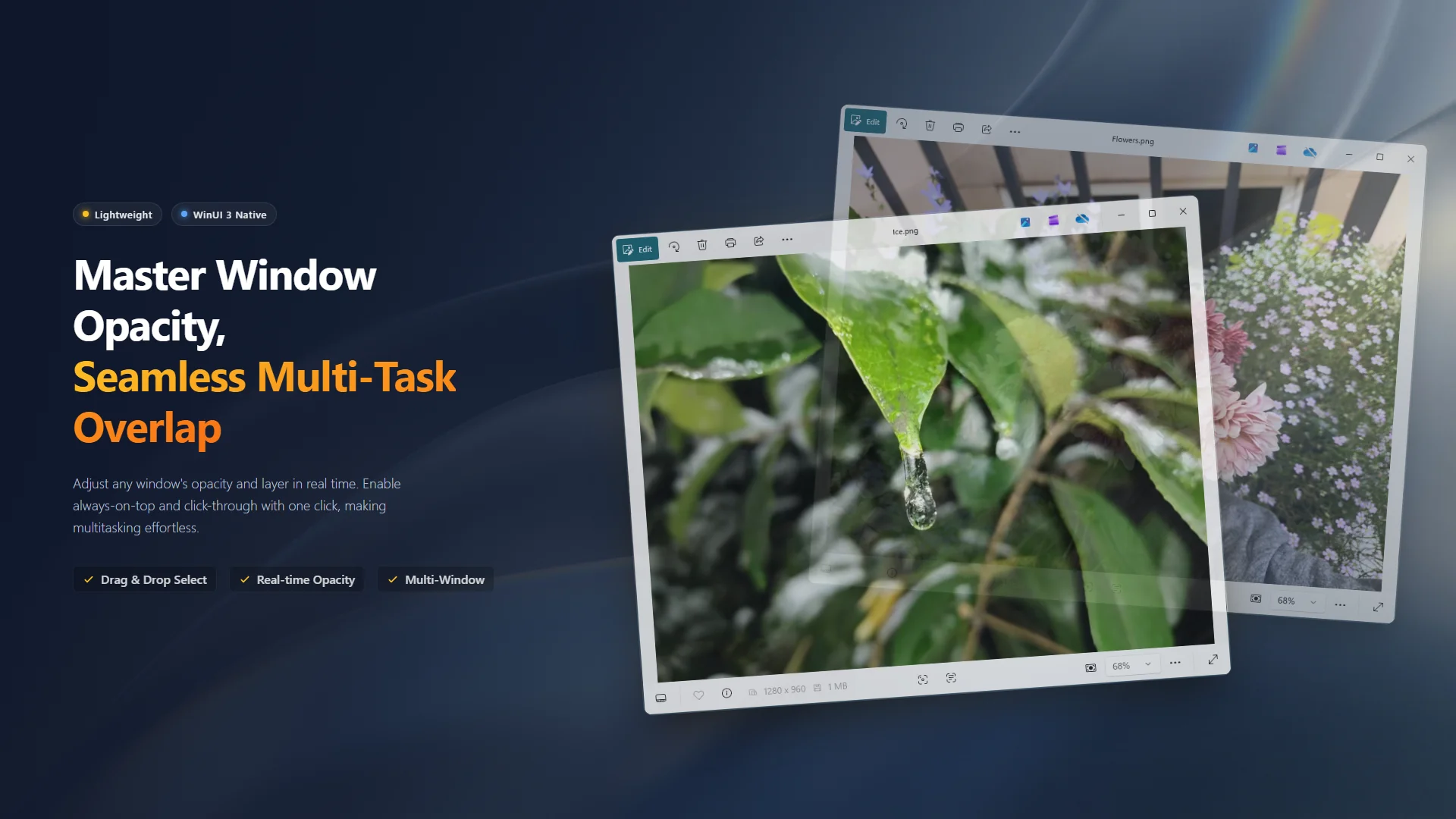
Make any window transparent, always-on-top, or enable "click-through" mode to take full control of your desktop space. Native WinUI 3 experience, 100% offline.
Your Desktop's Invisible Companion
Have you ever wanted to see through a window without minimizing it? Wished a reference image could float semi-transparently over your canvas? Or maybe you'd like to watch a video discreetly without your boss walking by?
GhostWin is the tiny utility built for these scenarios. It can make any window transparent, pin it on top, or let your clicks pass straight through it.

🚀 Features
- Transparency Control Adjust the opacity of any window in real time with a slider, from fully opaque to nearly invisible.
- Always on Top Pin a window above all others with one click — it stays visible no matter which app you switch to.
- Click-Through When enabled, mouse clicks pass straight through the target window to the application beneath it. Perfect for working behind a transparent overlay.
- Crosshair Capture Drag the crosshair onto a target window to add it instantly. You can also add windows directly from the background window list.
- Multi-Window Management Control multiple windows simultaneously, each with independent transparency, always-on-top, and click-through settings.
🛡️ 100% Offline & Secure
GhostWin runs entirely locally. It collects no data, sends no telemetry, and requires no internet connection. Your settings and preferences are stored only on your machine.
For more details, please review our Privacy Policy and Terms of Use.
📦 How to Use
- Launch GhostWin, then click and hold the Crosshair icon at the top of the control panel. Drag it onto your target window and release to add it.
- You can also quickly add a window by clicking the + button next to it in the background window list below.
- Once a window appears in the control list, use the slider to adjust its transparency, and click the icons to toggle always-on-top and click-through.
- Click the Reset All button at the bottom to instantly restore all windows to their original state.
🛠️ Bug Reports & Feature Requests
- 🐛 Report a Bug: Found something wrong? Let us know!
- ✨ Suggest a Feature: Have an idea to make the app better? We'd love to hear it.