RDP Clipboard Anchor
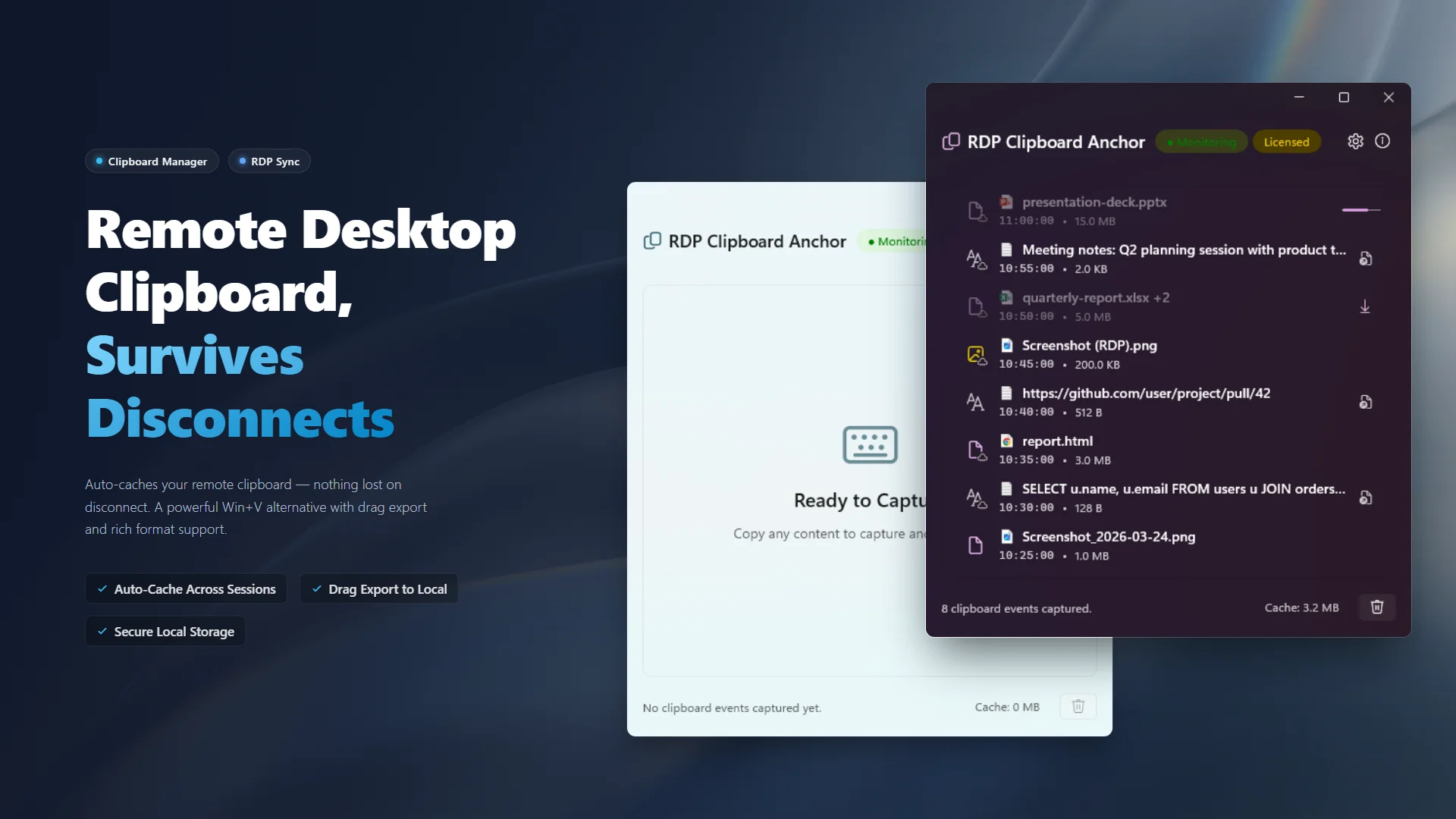
A powerful Win+V alternative
Rich format support (files, images, text) with automatic caching to prevent data loss during RDP disconnects. Native WinUI 3 experience, 100% offline.
The RDP Anchor You Need
Have you ever copied a crucial snippet of code, an image, or a file on a remote server, only for your RDP session to suddenly freeze or drop? You restart the connection, go to paste locally, and... nothing. The clipboard is empty.
RDP Clipboard Anchor was born to solve this exact pain point. Running safely on your local machine, it instantly and automatically caches your cross-session copy events. When your Remote Desktop (RDP) connection hangs or crashes, your copied data doesn't disappear with it. It is safely "anchored" locally, ready to be pasted or dragged anywhere. Say goodbye to lost text and files caused by unstable RDP connections.

🚀 Features
- Rich Format Support Handles complex data types, images, and files far better than standard tools.
- Seamless Drag & Drop Drag items straight from your history directly into other applications or folders.
- Smart Cache Management Keep your storage optimized with customizable quotas and automated, intelligent cleanup logic.
- Quick Actions Double-click items to instantly open or execute them.
- Privacy First Pause monitoring with one click to protect sensitive operations.
- Decoupled Iconography Native Windows file icons paired with source badges (Local vs. Remote) so you can instantly identify where copied content came from.
- Native Experience A clean, unobtrusive WinUI 3 interface that perfectly matches Windows 11.
🛡️ 100% Offline & Secure
Your clipboard often contains highly sensitive information. This application operates entirely locally with no internet access and zero telemetry. Furthermore, it intelligently respects your privacy by automatically ignoring temporary clipboard events from major password managers (like 1Password) that use secure markers. What you copy stays strictly under your control.
For more details, please review our Privacy Policy and Terms of Use.
📦 How to Use
- Launch RDP Clipboard Anchor — it automatically monitors your clipboard in the background.
- Whether on your local machine or in a remote desktop, press
Ctrl+Con any text, image, or file. The content instantly appears in the history list. - Drag to other windows, double-click to open, or restore to your current clipboard at any time!
- When using Remote Desktop (RDP), even if the connection drops unexpectedly, your copied data remains safely anchored locally.
🤝 Support & Feedback
RDP Clipboard Anchor is completely free with no paywalls. If you find it useful, a positive review on the Microsoft Store would be greatly appreciated!
🛠️ Bug Reports & Feature Requests
- 🐛 Report a Bug: Found something wrong? Let us know!
- ✨ Suggest a Feature: Have an idea to make the app better? We'd love to hear it.