GhostWin v1.0 Is Here — A Tiny Tool That Puts Your Windows in Ghost Mode
2026-05-09
Tags: Windows · GhostWin · Announcement
Have you ever wanted to see through a window without minimizing it? Wished a reference image could float semi-transparently over your canvas? Or maybe you'd like to watch a video discreetly without your boss walking by?
Today we're releasing GhostWin, a lightweight utility that lets you make any window transparent, pin it on top, or let your clicks pass straight through it. It's available now on the Microsoft Store.
What Does It Do?
GhostWin gives you three simple powers over any window on your desktop:
- Transparency — Drag a slider to make any window partially or fully see-through.
- Always on Top — Pin a window above all others, so it stays visible no matter what you're doing.
- Click-Through — Let mouse clicks pass through the window to whatever is behind it.
Combine them, and you get something surprisingly useful.
A Picture Is Worth a Thousand Words
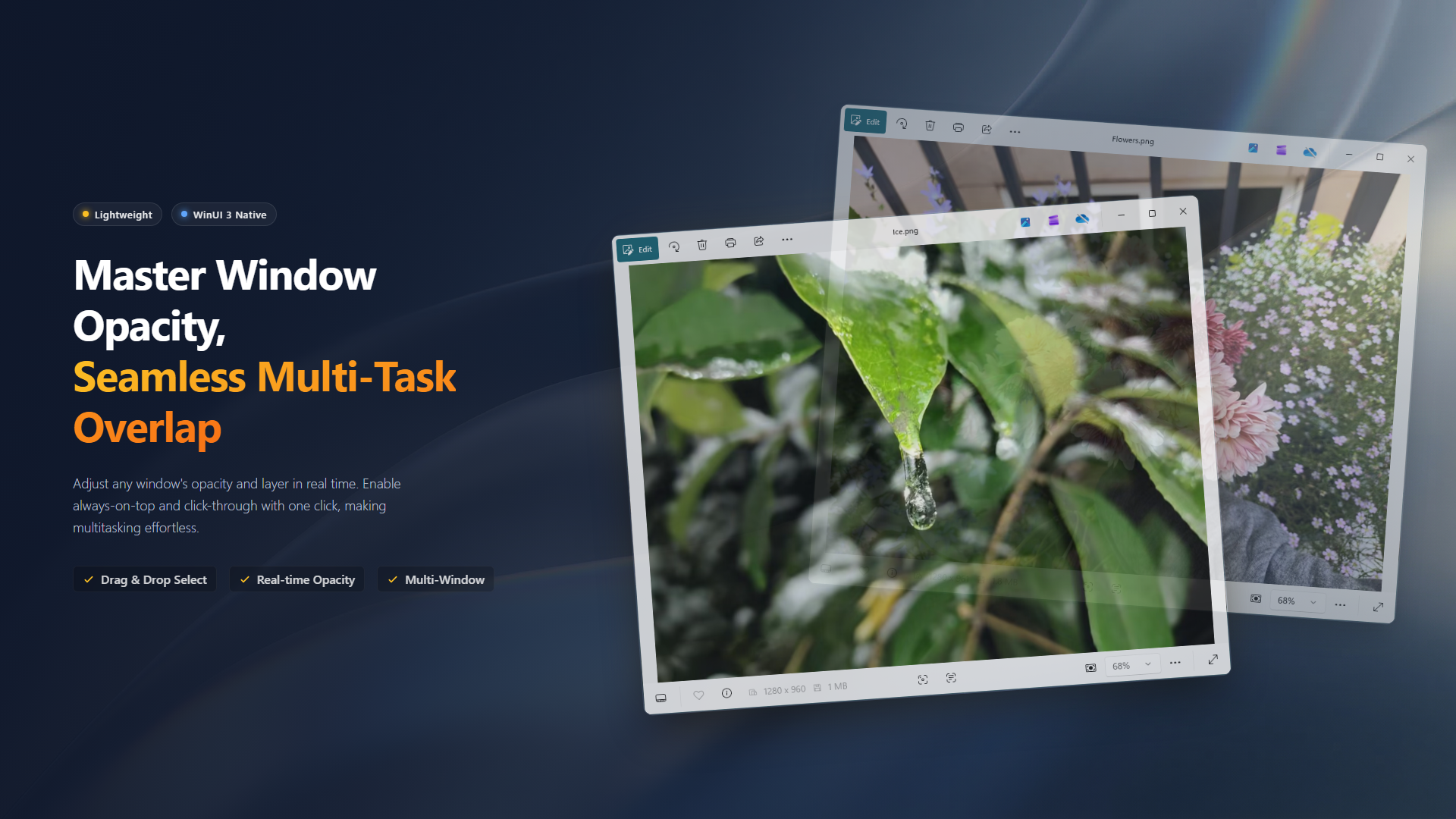
Why Would You Need This?
It's one of those tools you never knew you needed until you try it. Here are a few real scenarios:
The Digital Light Table
Artists and designers: imagine overlaying a reference image semi-transparently on top of your canvas. You can trace shapes, match proportions, or compare compositions — just like a traditional light table, but digital. When you're done, reset the window and it's back to normal.
Watch and Work
Pin a video or livestream window on top of your workspace, enable click-through, and keep working. Your mouse passes right through the video to the editor underneath. No more juggling window sizes or Alt-Tabbing.
Document Comparison
Need to compare two documents side by side but don't have enough screen space? Make one transparent, overlay it on the other, and you can read both at once.
How It Works
GhostWin keeps things simple:
- Drag the crosshair onto any window to add it to your control list. You can also pick windows from the built-in background window list.
- Adjust transparency with a real-time slider — from fully opaque to nearly invisible.
- Toggle always-on-top or click-through with a single click on the icon buttons.
- Manage multiple windows simultaneously, each with independent settings.
- Reset all in one click to restore every window to its original state.
The entire interface is built with WinUI 3 and blends seamlessly into Windows 11 — compact, clean, and stays out of your way.
Privacy & Security: 100% Offline
GhostWin does not connect to the internet, does not upload any data, and contains no telemetry or analytics. It's a pure desktop utility that runs entirely on your machine.
We Need Your Feedback
GhostWin is a new release, and we're actively improving it. If you find a bug or have an idea for a new feature, let us know on GitHub.
Sometimes the best tools are the ones that do one thing, and do it well. GhostWin won't change your life — but it might make your desktop a little more comfortable.